Real-Time Walkthrough
Explore architectural designs at full rendering quality in real time, walking through spaces at human scale with photorealistic materials, lighting, and reflections updating live as you move.
Real-time rendering and virtual reality for architects. Instant visual feedback inside Revit, SketchUp, Rhino, Archicad and Vectorworks.
Real-time rendering and virtual reality for architects. Instant visual feedback inside Revit, SketchUp, Rhino, Archicad and Vectorworks. Enscape transforms the architectural design process by bringing photorealistic, real-time rendering directly inside the tools architects already use every day.
Rather than exporting to a separate render application, Enscape launches as a live viewport that updates instantly as the model changes. That means you can present design ideas to clients in immersive walkthroughs and VR during design meetings, not just at the end of the project. Its beginner-friendly interface means any architect can produce compelling visuals without specialist rendering knowledge.
Storm FX supplies Enscape to AEC & archviz and education teams across Australia and New Zealand. We'll talk through licensing, hardware and pipeline fit before you commit.
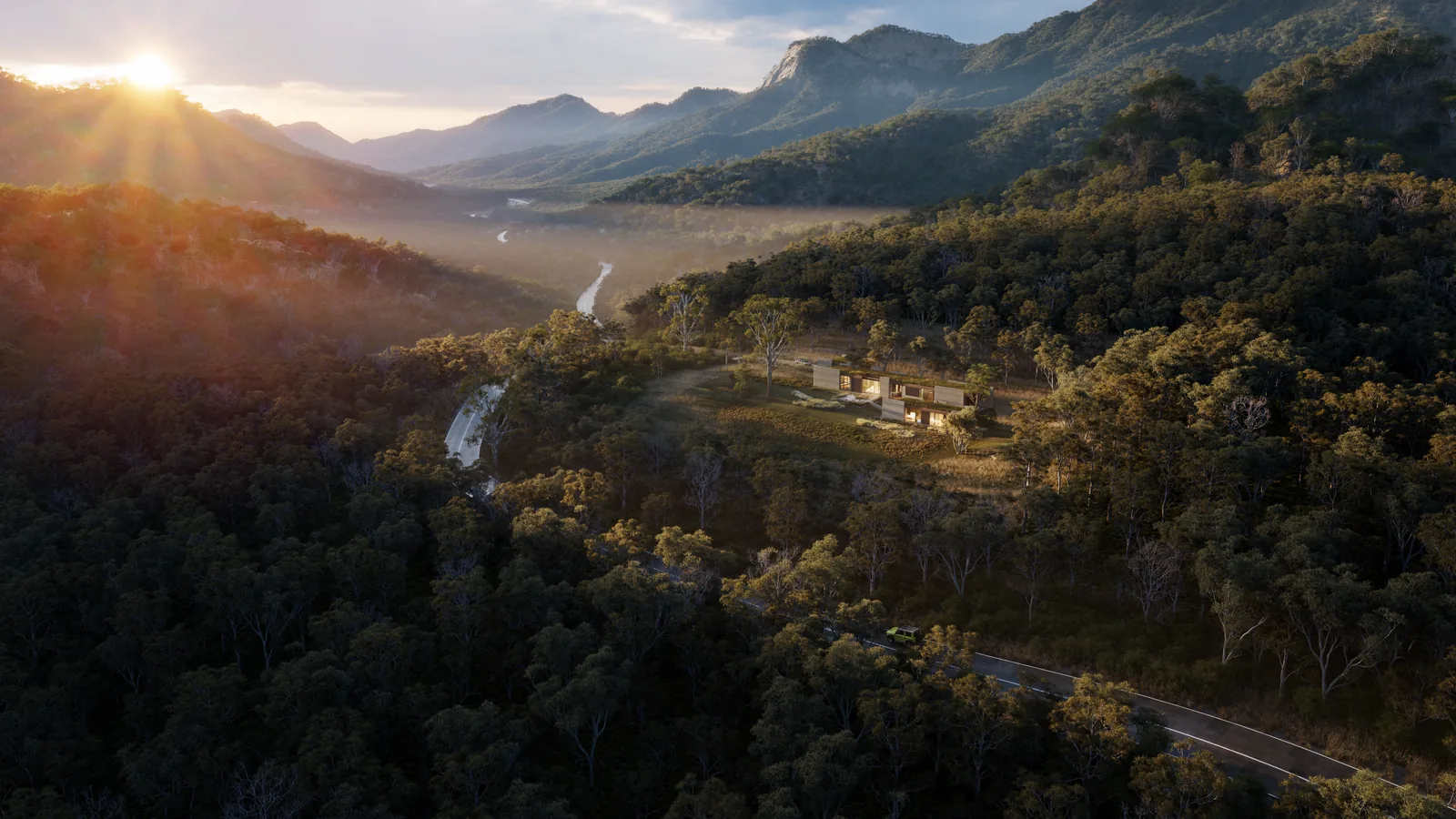
Explore architectural designs at full rendering quality in real time, walking through spaces at human scale with photorealistic materials, lighting, and reflections updating live as you move.
With a single click, export any Enscape scene to a VR headset for fully immersive client presentations. No specialist VR setup or separate application required.
Enscape maintains a live connection to Revit, SketchUp, Rhino, Archicad and Vectorworks. Changes to the model appear in the Enscape viewport instantly, with no export step.
A curated library of thousands of high-quality 3D objects, plants, people, vehicles, and landscape elements that drop directly into the scene with correct scale and materials.
Export self-contained executable walkthrough files that clients can explore on their own computers without installing any software. Perfect for sharing design reviews remotely.
Produce photorealistic still renders and panoramic images for presentation boards and planning submissions directly in Enscape. Quality stays consistent with the live viewport.
Firms using Enscape report clients making faster, more confident design decisions when they can walk through spaces in VR during design review meetings rather than interpreting 2D drawings.
Developers use Enscape to create photorealistic walkthrough experiences of projects before construction begins, supporting off-the-plan sales campaigns with immersive digital presentations.
Interior designers use Enscape's real-time material swapping to help clients compare flooring, cladding and furniture options in the context of the actual space. That cuts costly late-stage changes.

Includes Enscape, 100 Chaos Credits/month, Veras
Includes Enscape, 500 Chaos Credits/month, Veras
Includes Enscape, 1500 Chaos Credits/month, Veras, Envision, Impact
Includes Enscape, Envision, Impact, 500 Chaos Credits/month, Veras

Talk it through with a specialist who has lived your pipeline. No hard sell. That's been the deal since 1991.
Product questions, licensing, compatibility, deployment. Ask here and a Storm FX specialist will come back to you. Smart instant answers are on the way, and there is always a human behind this panel.