Cross-Vendor Fleet Management
Manage Meta Quest, PICO and HTC VIVE devices side by side in one dashboard, instead of juggling each vendor's own tooling.
One dashboard for every headset you own. ManageXR is the enterprise standard for managing XR device fleets at scale.
ManageXR is a mobile device management platform built specifically for XR. From a single web dashboard, teams distribute apps and files, lock devices into kiosk mode, customise the in-headset home screen, and monitor battery, usage and status across Meta Quest, PICO, HTC VIVE and other enterprise headsets.
Storm FX configures ManageXR as part of our fleet provisioning service, so devices arrive enrolled, branded and ready out of the box.
Storm FX supplies ManageXR licensing and setup to education and enterprise XR deployments across Australia and New Zealand, usually alongside fleet provisioning. We scope the device mix and management policies with you before rollout.
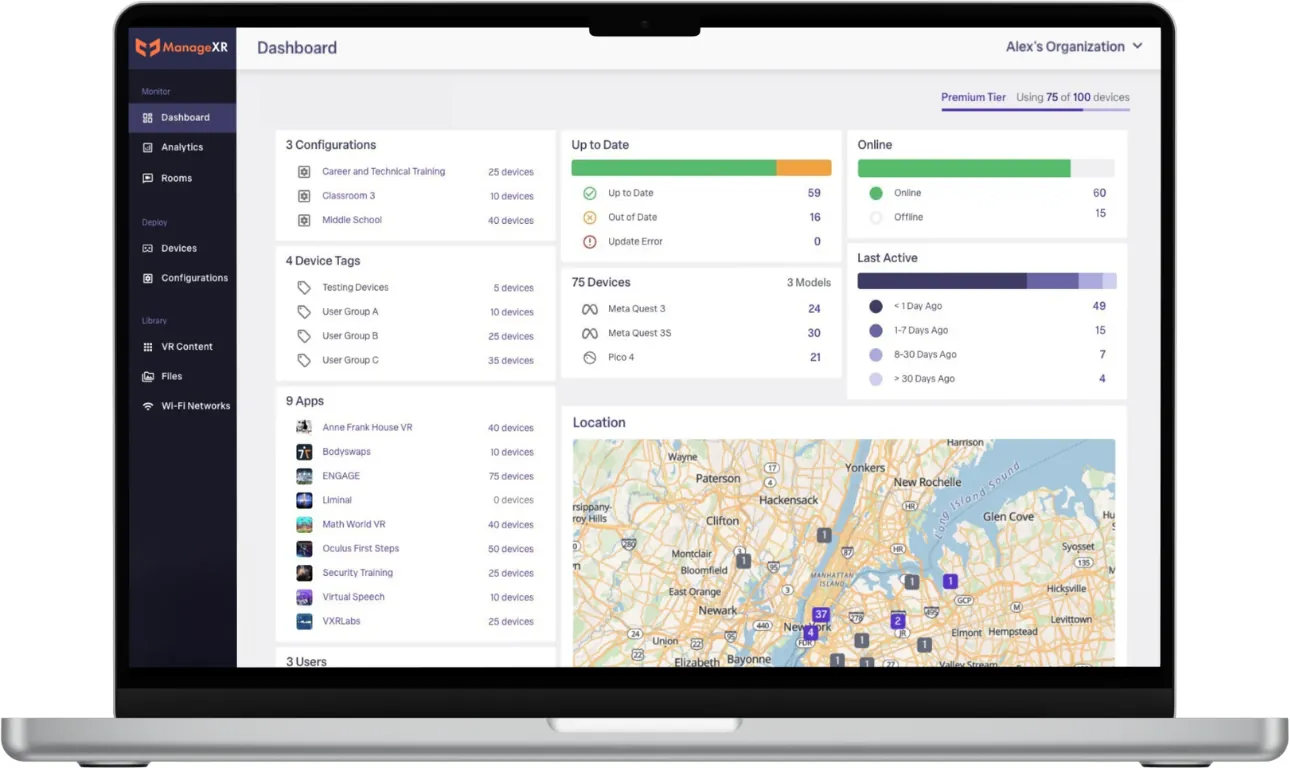
Manage Meta Quest, PICO and HTC VIVE devices side by side in one dashboard, instead of juggling each vendor's own tooling.
Push apps, files and updates to the whole fleet or targeted device groups remotely. New training content reaches every headset without touching a single device.
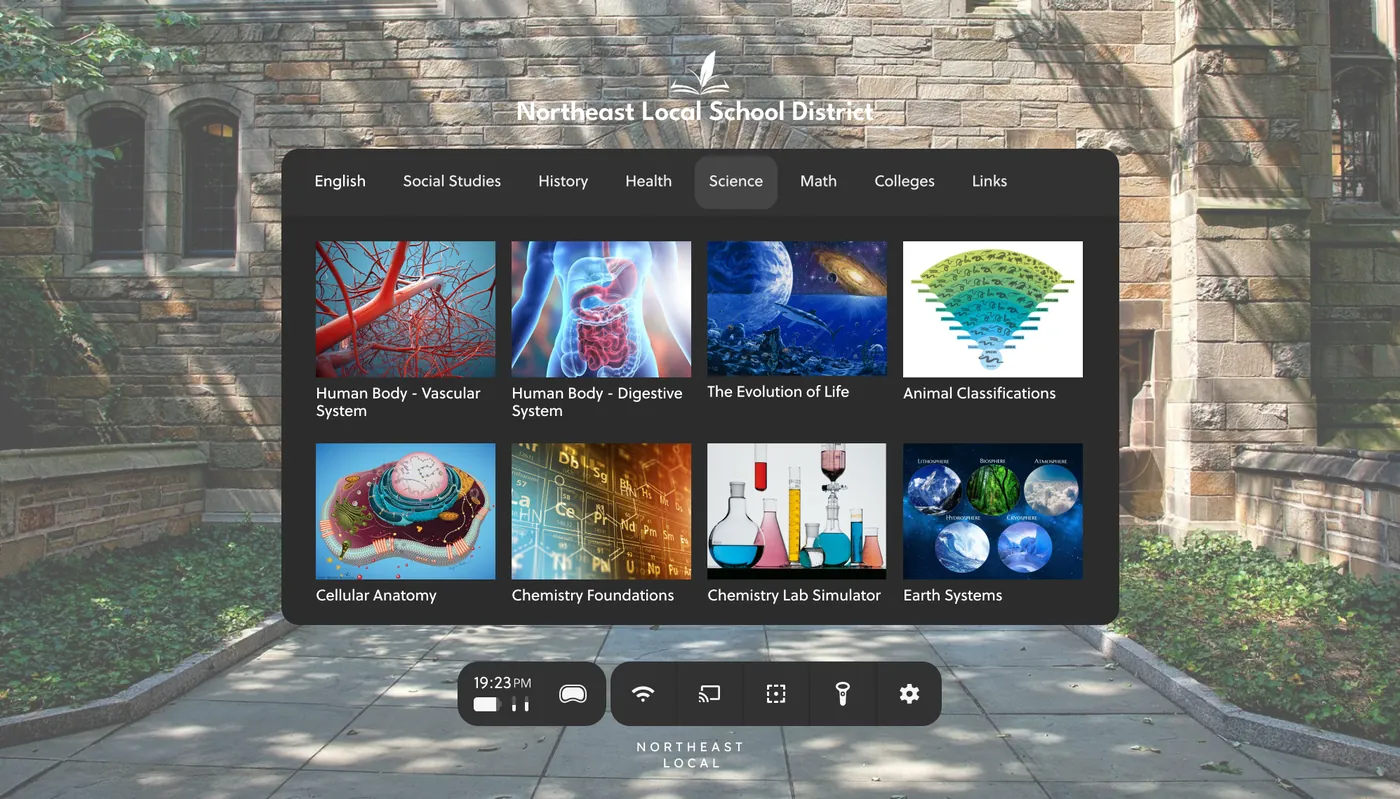
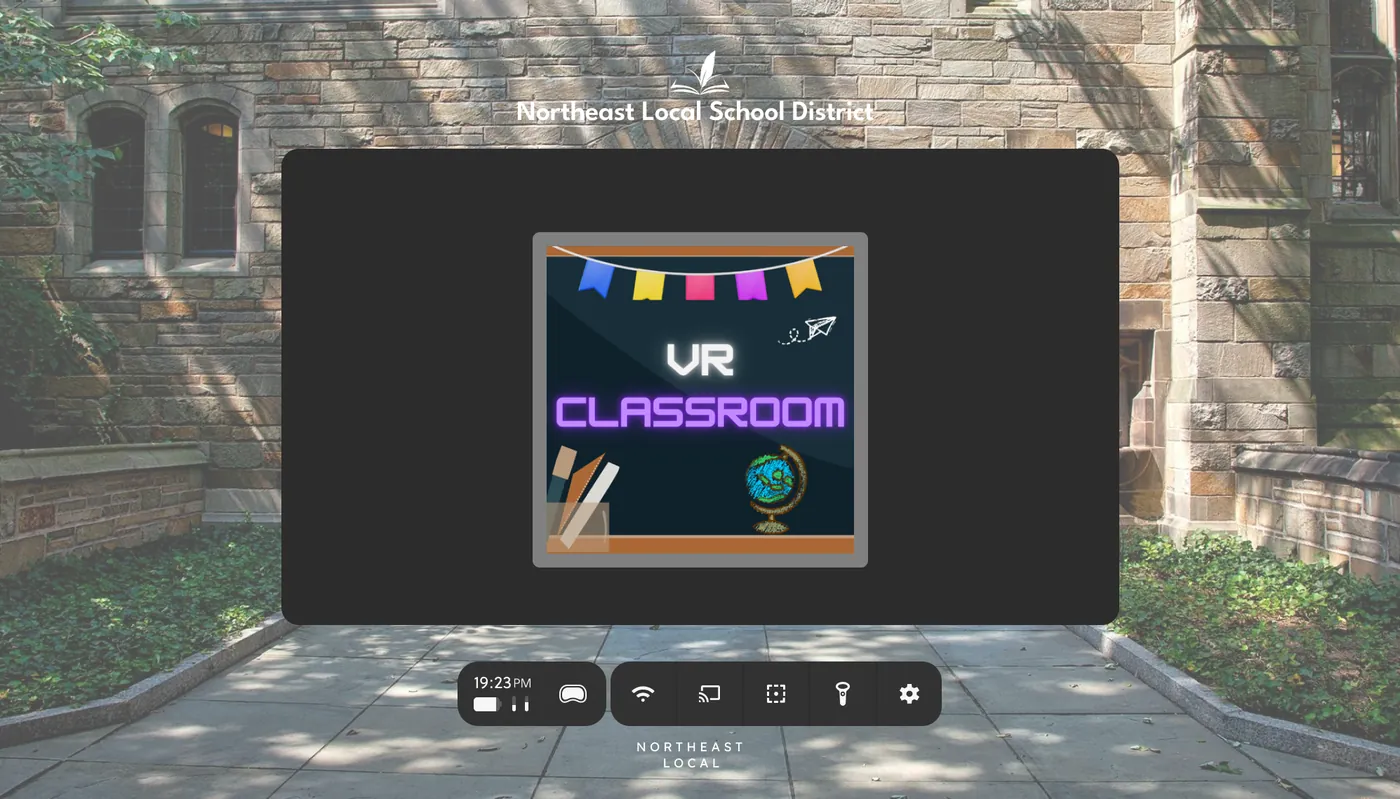
Lock devices to a single app or a curated launcher with your branding, so every session starts in the right place, every time.
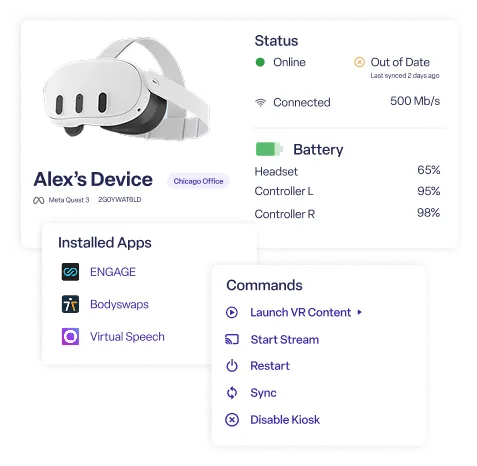
Battery level, connectivity, installed versions and usage at a glance, so a trainer knows the class set is ready before the class walks in.
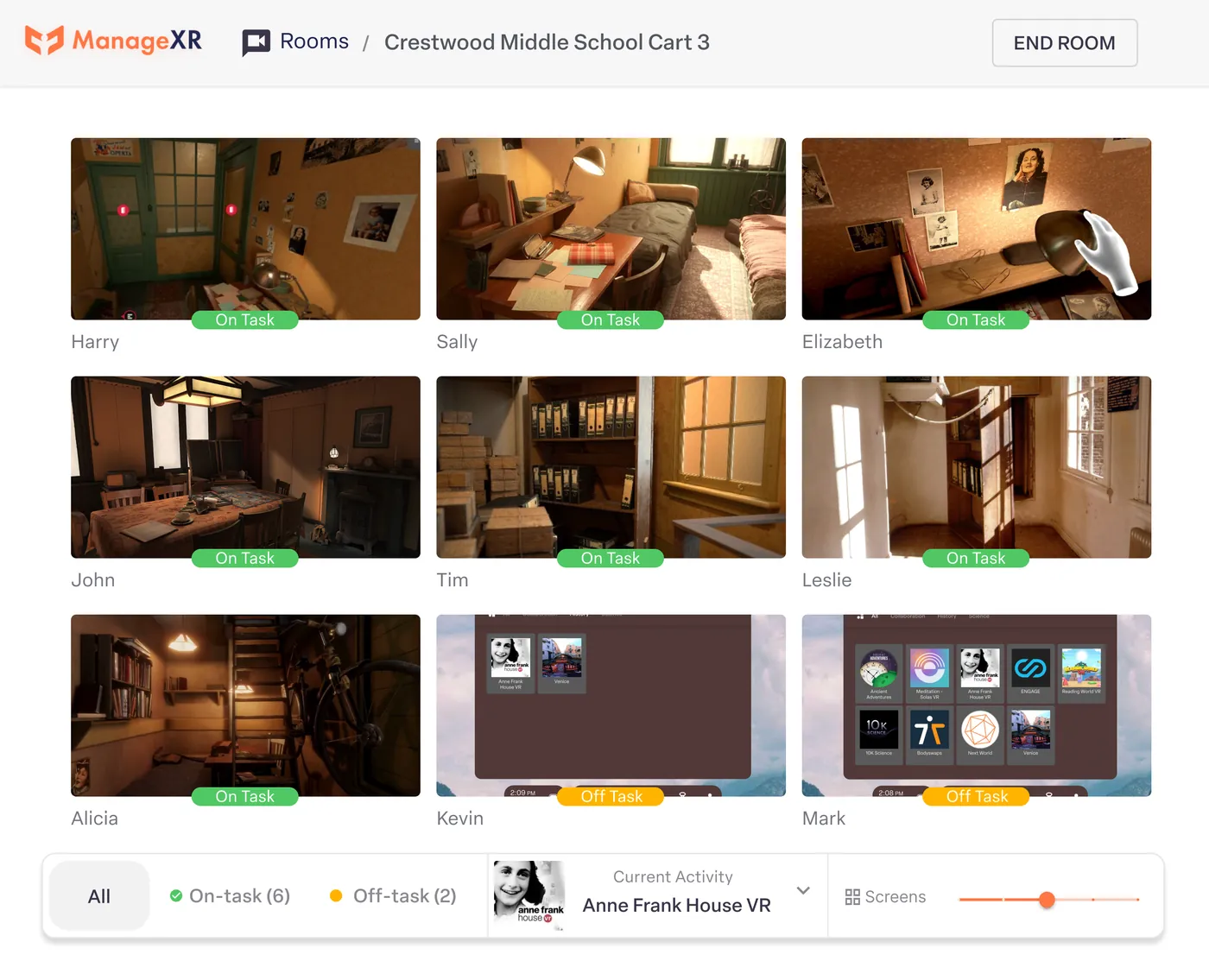
Prepare and launch content across a room of headsets simultaneously, with low-battery warnings and session control for facilitated training.
Schools and universities run class sets in kiosk mode with curated content, managed centrally by IT rather than by teachers at the trolley.
Distributed organisations push updated induction and safety content to sites nationwide, with usage reporting to prove completion.

Talk it through with a specialist who has lived your pipeline. No hard sell. That's been the deal since 1991.
Product questions, licensing, compatibility, deployment. Ask here and a Storm FX specialist will come back to you. Smart instant answers are on the way, and there is always a human behind this panel.